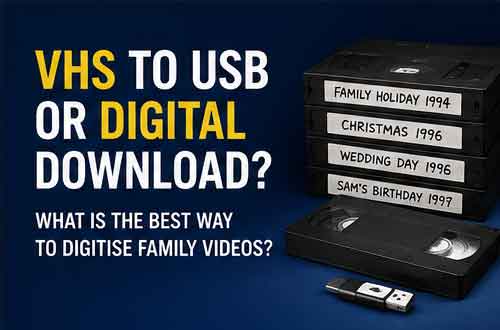
When people decide to transfer their old VHS tapes, one of the first questions is:
What should I have them converted to?
Years ago, the obvious answer was DVD. Today, there are several options, including USB sticks and downloadable MP4 files. The best choice depends on how you want to watch, store and share your family videos.
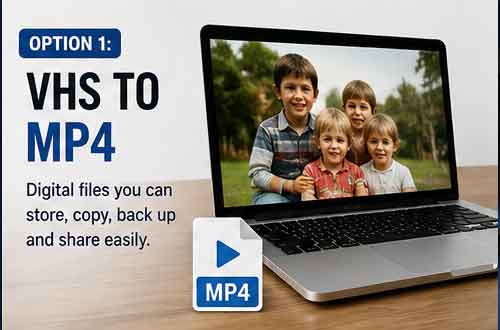
Option 1: VHS to MP4
For most people, MP4 is now the most useful format for family videos. MP4 isn’t a physical product like a DVD or VHS tape. It is a digital video file. That means you can store it on: A computer, tablet, phone, USB stick, External hard drive, Network storage or Cloud storage. MP4 files can also be copied easily, making them ideal for sharing footage between members of a family.
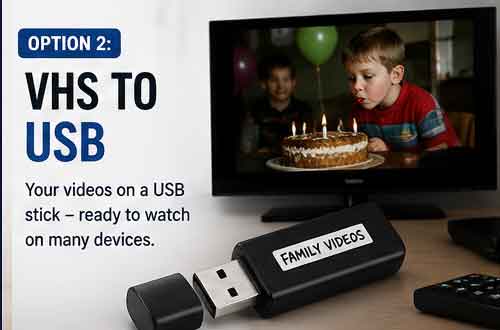
Option 2: VHS to USB
When someone asks for VHS to USB, what they generally mean is having their VHS recordings converted into video files and supplied on a USB storage device. The video itself will usually be something like an MP4 file.
USB is convenient because you receive a physical item containing your videos without needing to download large files. Depending on your television, you may also be able to plug the USB stick directly into the TV and play the recordings. Always check your television’s supported file formats first – We can help you with this.
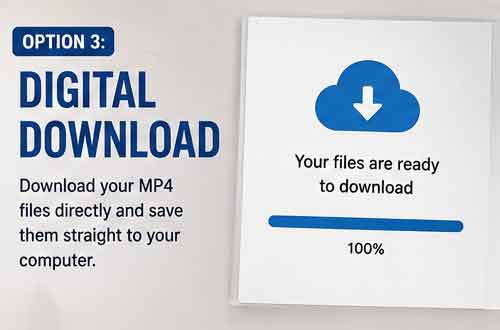
Option 3: Digital download
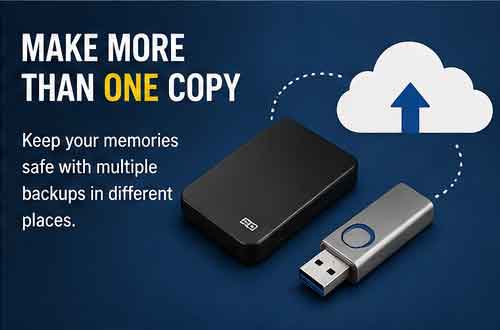
A downloadable MP4 is often the quickest and simplest delivery method. There is no physical storage device to post, and you can download the files directly to your own computer, phone or tablet. Once you’ve downloaded them, we recommend making additional copies, or even sharing the link with family or friends. Do not leave your only copy sitting in your Downloads folder. Move the files into a clearly labelled family-video folder and back them up.
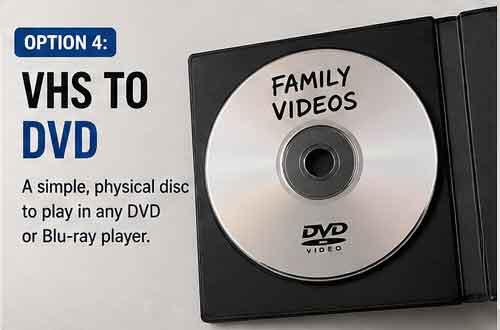
Option 4: VHS to DVD
DVD still has advantages. Some people prefer having a physical disc that can be put directly into a DVD or Blu-ray player. This can be particularly convenient for relatives who aren’t comfortable dealing with computer files.
However, DVD is less flexible than MP4. Copying, editing and sharing the videos is easier when you have digital files. If preserving the footage for future generations is the priority, having an MP4 copy as well as any DVD copies is sensible.
Which option is best for family videos?
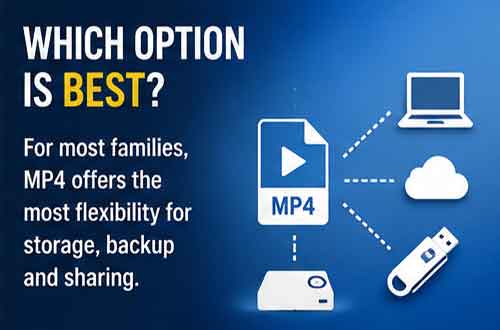
For most families, we recommend MP4. It provides the most flexibility. You can keep a master copy, create backups and send copies to relatives without having to transfer the original VHS tape again. The important thing isn’t necessarily whether the MP4 initially arrives by download or on USB. The important thing is that you create multiple copies after receiving it.
Can I watch MP4 files on my television?
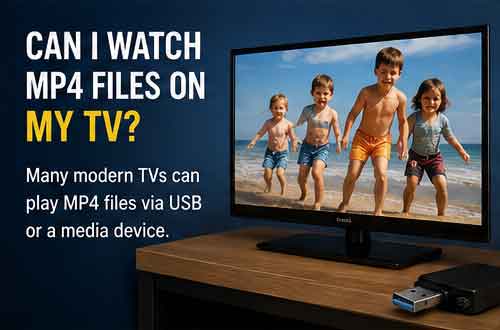
Nearly all modern smart televisions can play MP4 files. You may be able to connect a USB drive containing your videos directly to the television. Another option is to play the file from a computer, streaming device or media server. Compatibility varies between televisions, so always check the instructions for your particular model.
Can old VHS footage become HD or 4K?
A common misconception is that converting a VHS tape to an HD or 4K digital file somehow creates extra detail.
It doesn’t. The original VHS recording contains a limited amount of picture information. Digitisation preserves the recording in a modern format, but it cannot recreate genuine detail that wasn’t captured on the original tape.
Processing may sometimes improve the viewing experience, but there is a difference between processing an image and recovering information that never existed. For precious family recordings, a faithful transfer is generally more important than artificially trying to make old VHS look like modern camera footage. For extremely grainy footage we can sometimes digitally enhance it using AI but there are additional costs.
What resolution should VHS be transferred at?
The most important factor isn’t simply choosing the largest number. VHS is a standard-definition analogue format. A good transfer aims to capture the available information reliably and produce a file that is convenient to view and preserve. Creating unnecessarily enormous files doesn’t automatically improve the original recording. We recommend supply of MP4 files in 720 x 576 SD files.
How large will the files be?
File size depends on several factors, including: Running time, Video compression, Resolution, Bitrate, Encoding settings. A general rule is 4GB per hour but we can increase or decrease this depending on your requirements. A collection containing a dozen of long VHS tapes can therefore require 128GB of storage. External hard drives are relatively inexpensive, so maintaining an additional backup copy is usually worthwhile.
Don’t wait until the tapes become impossible to play.
VHS players haven’t been manufactured in large numbers for many years, and working machines are becoming increasingly specialised equipment. The same applies to many old camcorder formats. Digitising your recordings removes the need to keep a particular vintage camera or video recorder working indefinitely.
Can relatives have their own copies?
Absolutely. This is one of the biggest advantages of digital video. A single VHS cassette may have spent 30 years in one family member’s cupboard. Once it is converted to MP4, copies can be given to brothers, sisters, children, grandchildren and other relatives at no extra cost. It is often the first time some family members have ever seen the footage!
Transfer your VHS tapes to digital
We convert VHS and other family-video formats into modern digital files that can be stored on USB,cdownloaded, backed up and shared.cIf you’ve found old recordings of weddings, birthdays, holidays or family members, now is a good time to make sure those memories aren’t dependent on a single ageing tape.
Contact us to discuss your digitisation projector by telephone (01474 569390), email (sales@dvd-transfer.co.uk) or use our contact form.